Bobcat 300 is dead, long live Bobcat 300
Reviving Bobcat 300 Helium miners with a minimal Docker based Helium gateway stack

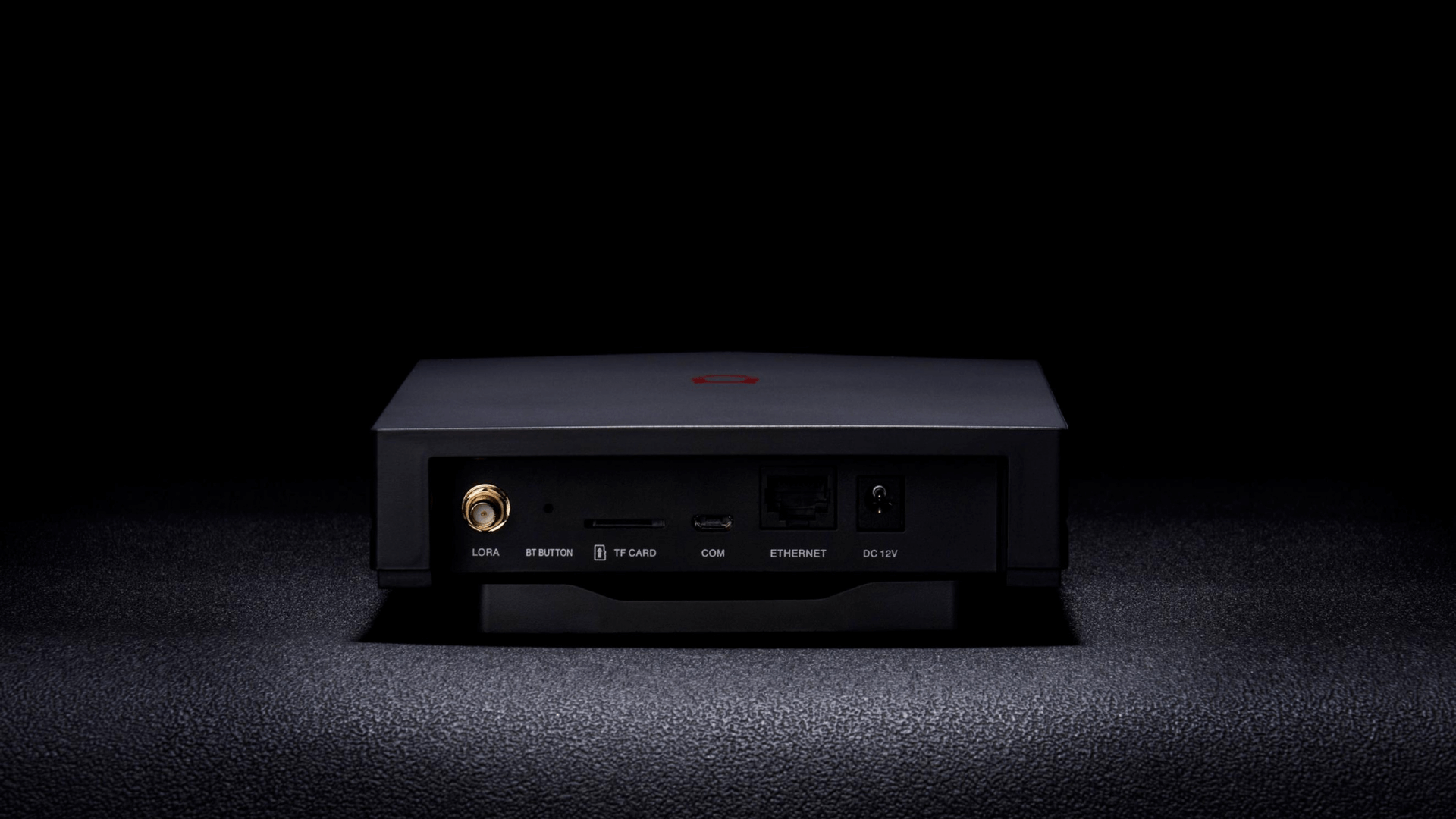
With Bobcat officially out of business, many Bobcat 300 Helium miners have become paperweights. These devices were built around solid hardware and are still capable of operating as LoRa gateways. The problem is that the original software stack is no longer supported, and much of it was built around mining-specific infrastructure that's no longer relevant or maintained.
I created Bobcat300-DebianMinimalDocker to give these devices a second life. It provides a simple, containerized setup that runs only the essential Helium gateway components using Docker Compose. No dashboard, no mining functions, no extra packages, just a clean, minimal gateway.
This setup is built for users who want to repurpose their Bobcat 300 hardware for community or private LoRaWAN networks, or to continue supporting Helium's IoT network without relying on outdated vendor software.
Note: Your miner will no longer be configurable over bluetooth (Onboarding, wifi setup etc). Onboarding is theoretically possible via the command line, however I have never tried it myself.
Architecture
Bobcat300-DebianMinimalDocker is a lightweight Docker Compose configuration that runs the Helium LoRa gateway stack on a Bobcat 300 using a custom Debian image.
It includes only two containers:
heliumdiy/sx1302_halfor the Semtech packet forwarderquay.io/team-helium/miner:gateway-latestfor the official Helium gateway software
This setup is based on the work of sicXnull, who created a custom Debian build for the Bobcat 300. My goal with this project was to take that foundation and remove everything that wasn't necessary to operate a functional gateway.
Note: This configuration has currently been tested on the G285 and G29X variants. Make sure you know which model you have before proceeding.
How To Set It Up
There are two ways to deploy this: using Ansible (recommended for repeatability) or manually. Both are covered below.
Option A: Ansible Setup
If you're comfortable with Ansible, this is the faster path.
- Install the Debian image from sicXnull/Bobcat300-Debian
- Copy your SSH key to the device and update
hosts.iniwith its address. Change the root password withpasswd. - Set your
regionanddevice_modelvalues inbobcat.yml - Run the playbook:
ansible-playbook -i hosts.ini bobcat.ymlOption B: Manual Setup
Install without ansible using the command line:
1. Start From a Clean Debian Base
Install the Debian image from sicXnull/Bobcat300-Debian, then update the system and install Docker:
apt update && apt upgrade -y && reboot